
Program
Installed product, local program name, launch date, and first repeat activation.
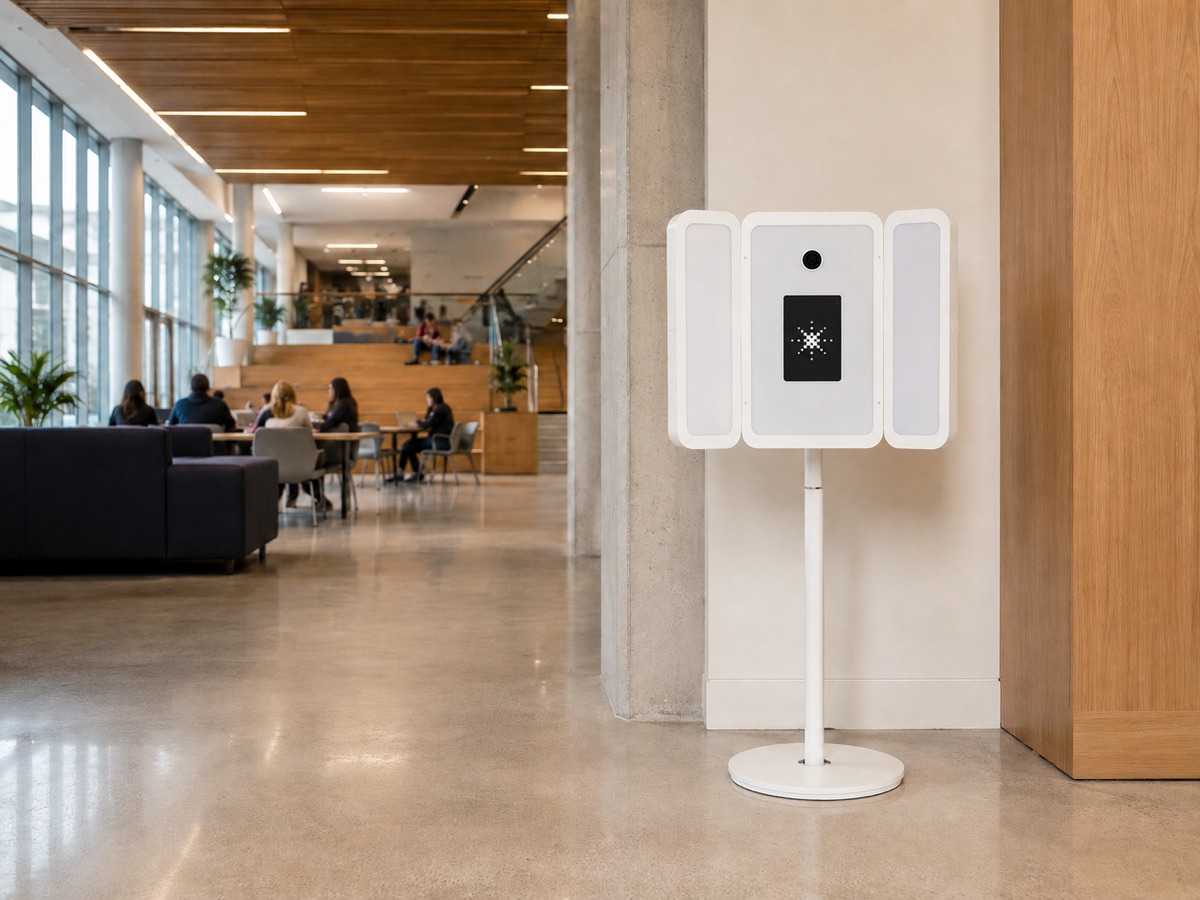
Client launch kit · Roadie + Studio Pod
A practical system for launching the program, getting people to use it, publishing the story, and building repeat demand.
The launch idea
People use the studio when they understand why it matters now, where to find it, who can use it, and what happens next. Complete this launch brief once, then use the approved details across every channel.
The foundation is the source of truth. If a detail is not approved here, it is not ready to publish.
Installed product, local program name, launch date, and first repeat activation.
Exactly who may use it and the moments when they need a current headshot.
Launch, communications, on-site, data, and Studio Pod account owners.
Building, floor, hours, eligibility, accessibility, booking, and wayfinding.
What users should expect, delivery timing, privacy language, and support.
One approved URL with program details, access, benefits, support, and a Studio Pod backlink.
Client quote, spokesperson, photography, permissions, and local program facts.
Eligible audience, 30-day goal, 90-day goal, UTM campaign, and baseline metrics.
The launch sequence
Approve the eight-part launch brief and use it as the source of truth.
Test the route with ambassadors and capture approved product, process, and portrait assets.
Localize the supplied materials and schedule a coordinated release.
Create a visible reason to use Studio Pod now and publish the story.
Turn real questions into clearer access, signage, support, and staff guidance.
Measure completed sessions, source channels, support patterns, coverage, and links.
Keep the strongest programs, stop what did not work, and activate the next need.
Minimum launch floor
One permanent source page, one audience email, one LinkedIn post, one on-site sign, one ambassador session, one approved image, one support path, and tracked links.
Review order
Each part can be approved, revised, and published independently.
Approve the program, audience and need, ownership, access, experience, source page, proof, goals, and tracking.
02Move through Day -21, -14, -7, 1, 7, 30, and 90 with one clear purpose at each milestone.
03Give people a reason to return through recruiting, onboarding, career fairs, profile refreshes, speaker needs, and leadership programs.
04Customize the prepared website article, press release, email, LinkedIn post, Instagram caption, and short-form video formats.
05Offer a useful local story, approved spokespeople, product images, program results, and a clear source link for editors.
06Count completed sessions first, then eligible audience, content, support patterns, repeat use, and verified outcomes.

User adoption
A launch creates awareness once. A useful program returns whenever the audience need returns.
Career fairs, internship deadlines, senior refreshes, faculty media needs, alumni events, and student leadership.
New hires, recruiting, directory updates, speaker preparation, sales kickoffs, office openings, and leadership profiles.
Make the first session easy. Make the next one inevitable.
Ready to customize
Both editions contain prepared copy with clearly marked fields for your organization, audience, location, dates, quote, support contact, program URL, and verified results.
A clear source page that explains access, use, delivery, privacy, and support.
A ready structure for campus, company, local, trade, or community media.
Launch email, internal announcement, manager note, and reminder language.
LinkedIn, Instagram, Reels, and TikTok formats built around real use.
Press + backlinks
Offer a real local angle, approved spokespeople and users, clean product and launch photography, a demonstration, and verified early program data. Give every editor one official program page.
Ask once for a descriptive source link. Never buy an undisclosed link, require a reciprocal link, or trade service for coverage.
Measurement
Count completed experiences, not starts, staff tests, or abandoned sessions.
Compare unique users divided by the eligible population reached by the program.
Track approved participant content, partner posts, editorial coverage, and source links.
Track access, delivery, privacy, and operating questions so the route improves.
Choose your edition
Use the edition written for your organization. Both can be viewed in the browser or downloaded.
University edition
For career centers, student programs, alumni teams, faculty communications, and campus media.
Company edition
For people teams, recruiting, communications, sales, leadership, and office programs.
Participant guides
Style guide
Simple, practical wardrobe guidance for a polished professional portrait.
Posing guide
A concise visual guide to posture, angle, expression, and small pose changes.
Studio Pod client resources
Need a logo, product image, local program review, or another file format? Contact your Studio Pod program owner or email hello@thestudiopod.com.
Request support