
Is your headshot working?
Score the photo you use today on focus, light, eyes and background, then crop it for LinkedIn, Slack, email and your badge. Nothing is uploaded.
Drop in your headshot.
Ten checks in a few seconds, a score out of 100, and a crop framed on your face for every profile you use.
Your photo never leaves this device. No upload, no signup, nothing stored.
No photo handy?
Try one of ours and see how each one scores.
We framed your face automatically. Drag to adjust.
See yourself on a clean backdrop.
A rough preview: we cut you out of the photo you have. In a Studio Pod the backdrop, lighting and retouching are done for real, in about five minutes.
Find a pod near me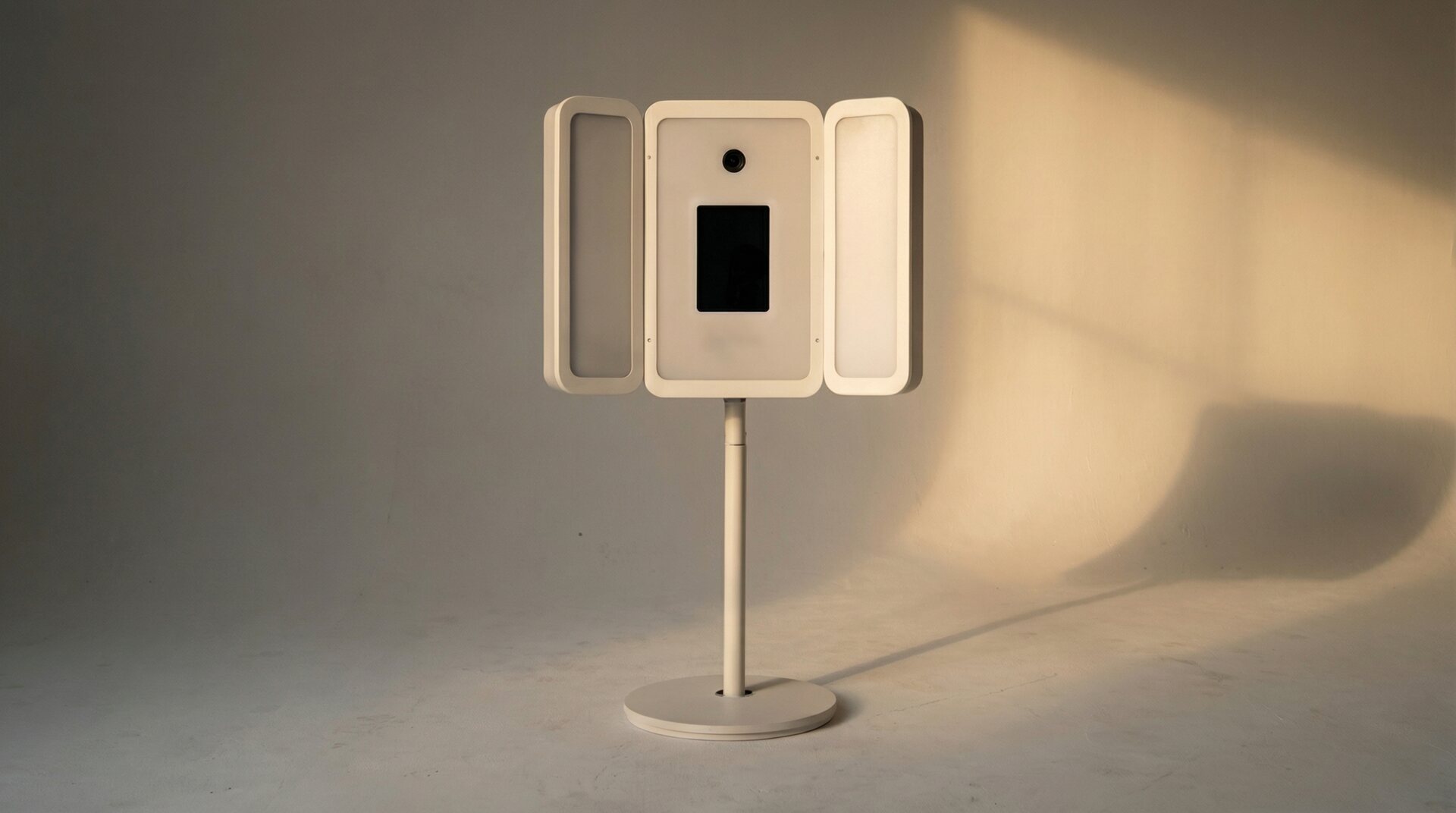
The ten things a studio controls.
Every check is something a photographer fixes with light, lens or backdrop. A pass earns full points, a tweak half, and a deal-breaker like blur or closed eyes caps the score.
- Face found. One face, facing the camera. Group shots and profile-angle photos get flagged.
- Enough detail. How many pixels your face covers. LinkedIn asks for at least 400 × 400; we check you can crop to 800 without going soft.
- In focus. Edge contrast across your eyes and skin. Phone photos in dim rooms are usually the culprit.
- Exposure. Blown-out highlights and underexposure, judged from the brightest parts of your face so every skin tone is scored fairly.
- Even light. Whether one side of your face falls into heavy shadow. Window light from the side is the usual cause.
- Eyes open. Whether both eyes are open and engaged. Mid-blink and downcast shots are the most common reason a good photo fails.
- Facing the camera. How far your head is turned. A three-quarter angle is a classic pose; close to profile is not a headshot.
- Clean background. How much detail sits behind you. We separate you from the background first, so a patterned shirt never counts against you.
- Level head. The angle between your eyes. A slight tilt is natural; much more reads as a selfie.
- Expression. Whether you are smiling. A neutral look is fine for some fields, so this only ever nudges the score.
The right crop for every profile.
Each crop is framed on your face and exported as a JPG at the size the platform shows best.
| Shape | Pixels | |
|---|---|---|
| Circle | 800 × 800 | |
| Slack · Teams · Zoom | Rounded square | 512 × 512 |
| Email signature | Circle | 300 × 300 |
| Team page | 4:5 portrait | 960 × 1200 |
| ID badge | 3:4 portrait | 600 × 800 |
Questions, answered.
What size should a LinkedIn profile photo be?
LinkedIn recommends at least 400 × 400 pixels and shows it as a circle. This tool exports 800 × 800 so it stays sharp on high-resolution screens, and frames your face so nothing important falls outside the circle.
Is my photo uploaded anywhere?
No. The checker and the crop run in your browser. Your photo is never sent to Studio Pod or anyone else, never stored, and never used to train anything. The only files your browser downloads are this page and the face-analysis models (about 4 MB, cached after the first visit).
How is the score calculated?
Nine checks (detail, focus, exposure, eyes open, even light, background, head angle, facing the camera and expression), weighted toward the ones people notice first. A pass earns full points, a warning half, a fail none, and a deal-breaker like closed eyes or blur caps the score. It measures the photo, not your face.
Can I use this for a passport or government ID photo?
No. Passport and visa photos have strict head-size and background rules. The ID badge crop here is sized for workplace badges, not government documents.
My photo scored low. What should I change first?
Light, almost always. Face a window, step away from busy backgrounds, and hold the camera at eye level. If you need a photo that scores 100 every time, a Studio Pod does the lighting, background and retouching for you in about five minutes.
Face analysis by MediaPipe (Apache-2.0). iPhone HEIC decoding by heic-to (LGPL-3.0), loaded unmodified.
Or skip the retakes.
A Studio Pod is a self-service studio: Canon DSLR, studio lighting and backdrop handled, retouched photos on your phone in about five minutes. 300K+ headshots delivered so far.